
Orphaned
Nothing links to it. The page exists, is perfectly good, and is reachable only by someone who already knows the URL.
Usually a page that was published outside the normal template flow.
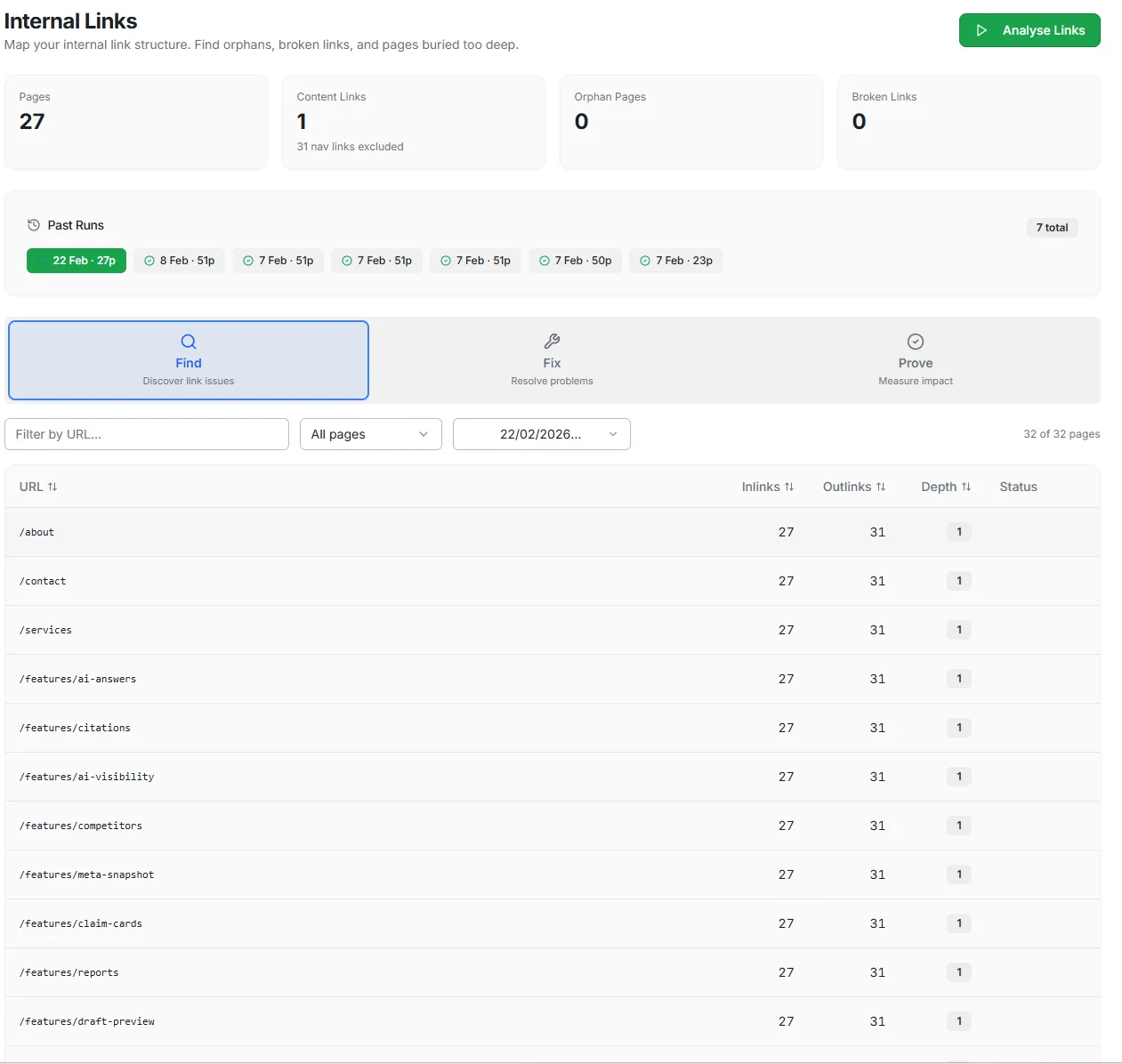
Internal Links
How pages link to one another says which ones you consider important — to anything crawling the site, and often to the people using it. Internal Links shows you the argument your structure is actually making, which is not always the one you intended.
No card required.
Three ways structure fails
Each of these leaves a page effectively unreachable, but they need different fixes — so it is worth knowing which one you have.
Nothing links to it. The page exists, is perfectly good, and is reachable only by someone who already knows the URL.
Usually a page that was published outside the normal template flow.
A path that leads nowhere. Every broken internal link is a dead end for whoever or whatever was following it.
Often the residue of a migration or a rename.
Reachable, but only after a long chain of clicks from anywhere anyone actually starts.
Usually a structural problem rather than a page problem.
Click depth
Depth is not a rule, and a deep page is not automatically a problem. But a commercially important page sitting several levels down usually reveals a structure that grew rather than one that was designed.
How to use it
Large sites produce large numbers here, and clearing every structural finding is neither realistic nor useful. The question is which of these pages you actually needed people to reach.
Start with what earns
A buried page that matters commercially outranks a hundred tidy findings elsewhere.
Look for the pattern
Structural problems usually come from a template or a navigation rule, not from individual pages.
Re-check after changes
Structure findings depend on a recent crawl, so review the effect once changes are live.
CiteWorth reports on your structure. Changing navigation or links happens in your own site, under your control.
Structure determines what gets reached, which affects most of the evidence downstream.
Run a crawl and see what your structure is actually supporting.
Working through a migration? Talk to us